A parent choosing a browser game for a young child usually has about thirty seconds to make the decision. Here is what is worth checking in that time.
Can it be failed?
This matters more than subject matter. A game with a timer, a score or a lose state will produce frustration in a four-year-old regardless of how educational it claims to be. The games worth handing over are the ones where stopping halfway costs nothing and a wrong move simply does not stick.
Does it need reading?
Plenty of children’s games assume the player can read instructions. Below school age that assumption fails silently — the child clicks randomly, nothing happens, and they conclude the game is broken. Look for games that communicate through pictures and prompts.
What is the format?
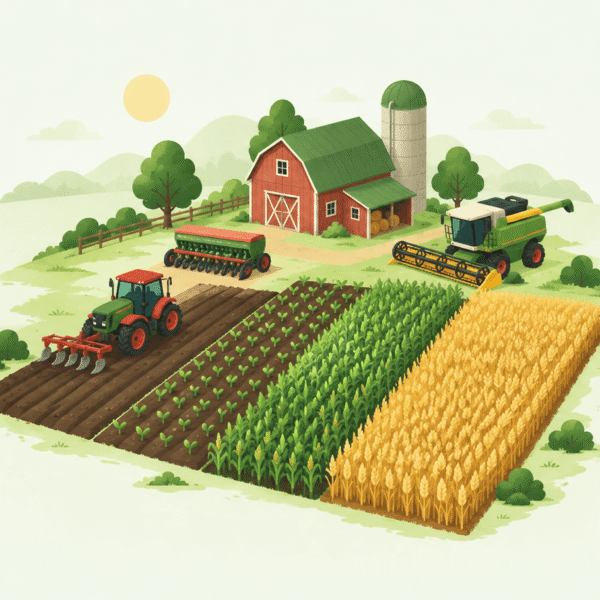
Three formats cover most of what is useful. Jigsaws need no explanation whatsoever and work from about three years old. Care games, where an animal needs feeding or tending, introduce a small routine and a sense of consequence. Guided sequences, which walk a child through growing something from seed, carry the most actual learning — they teach an order of operations by making the child perform it.
Tap targets
On a tablet this decides everything. A game designed for a mouse has small hit areas, and a small child’s finger is not precise. Games built for touch first are noticeably more generous, and it is obvious within seconds which kind you are looking at.
One thing worth doing
Talk through what is happening rather than leaving the child alone with it. The care games in particular separate what different animals need — a duck is not treated like a pig — and saying that out loud is where the learning actually lands.
Games mentioned in this article
- Solitaire Farm: Seasons — filed under Farm Solitaire & Card Games
- Sheep Farm — filed under Farm Animal Games
- Farming Simulator 2 — filed under Farm Simulation Games
- Farm Triple Match — filed under Farm Solitaire & Card Games
- Farmer Challenge Party — filed under Realistic Farm Games
- Paradise Island 2 — filed under Farm Simulation Games