Tractor Farming Simulator
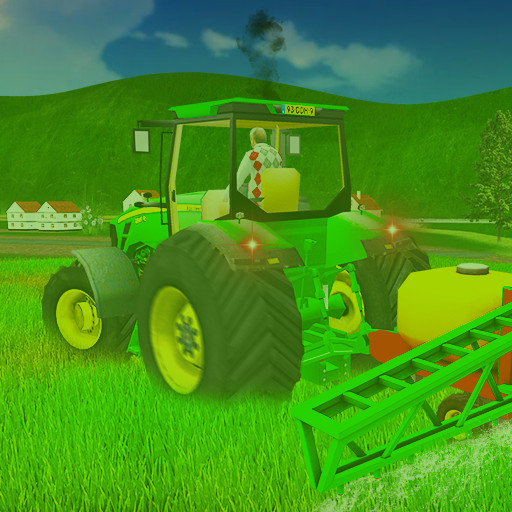
Level-based tractor work with a set of machine skins to unlock.
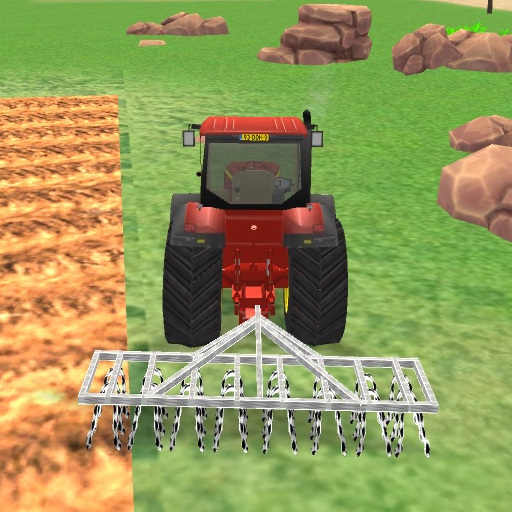
The sister title to Farming Simulator 2 from the same studio, and the differences are mostly cosmetic — a wider set of tractor skins and a separate level list.
The handling model is where the value sits. The vehicle carries momentum, the steering is deliberately slow at low speed, and getting a clean line across a plot is a genuine small skill rather than a formality. Players who bounce off open-world sims often prefer this shape: one job, clear bounds, quick restart.
Nothing here requires reading a manual. If you can drive one level you can drive all of them, and the later ones simply ask for more precision.
More farm games
- Farming Simulator Game 2020 — filed under Realistic Farm Games
- Tractor Express — filed under Farm Driving Games
- Frenzy Farming — filed under Farm Simulation Games
- Farm Business Saga — filed under Realistic Farm Games
Controls
Arrow keys or WASD to drive.
How to Play
- Pick a machine skin and start the level.
- Steer along the marked working line.
- Keep speed steady — jerking the wheel loses more time than driving slowly.
- Finish the plot to unlock the next level.
Tips & Tricks
Take corners wide. The turning circle is bigger than it looks, and a tight turn that clips the boundary usually means redoing the whole pass.
Frequently Asked Questions
What is different from Farming Simulator 2?
Mostly presentation — a different set of tractor skins and its own level list. The handling and structure are close relatives.
Do skins change how the tractor drives?
No. They are cosmetic.