Tractor Coloring Pages
Twelve tractor pictures to colour with a palette, adjustable brush and eraser, then save.
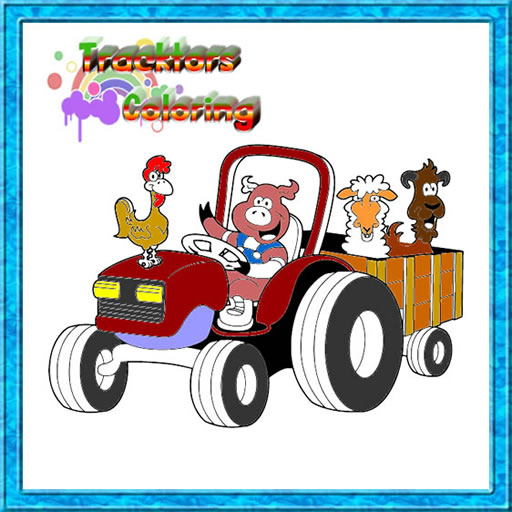
Tractor Coloring Pages gives young artists a small toolkit instead of a single bucket fill. There are twelve pictures to choose from, each with a tractor in it, and you colour them by hand with the tools laid out around the screen.
The layout is simple to learn. Colours sit on the right side; brush size is on the left, so smaller areas can be painted with a finer brush. Mistakes are not permanent either — there is an eraser for going back over a stray stroke.
When a picture is finished it can be saved and used later however you like, which makes the game handy for printing or sharing. It sits between a free-paint app and a colouring book: the outlines are fixed, but how neatly you stay inside them is up to you.
Controls
Pick colours on the right, brush size on the left; click or tap to paint and use the eraser to fix mistakes.
How to Play
- Select one of the twelve tractor pictures.
- Choose a colour from the right side of the screen.
- Set the brush size on the left and paint the picture.
- Fix mistakes with the eraser and save the image when done.
Tips & Tricks
Switch to a small brush near the edges of the drawing. The large brush is quick for open areas, but it spills over lines in the narrow parts of the tractor.
Frequently Asked Questions
How many pictures are in Tractor Coloring Pages?
Twelve images, each with a tractor in it.
Can you undo a mistake?
Yes. There is an eraser for correcting errors, and the brush size can be changed for small areas.